
站内搜索
编辑推荐
本类下载榜

软件简介
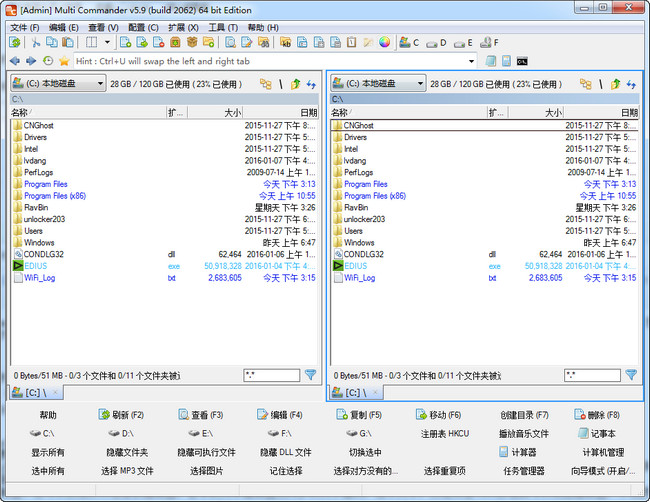
Multi Commander是一款老牌的多标签文件管理软件。文件管理器(Multi Commander X64)是标准的 Windows 资源管理器的替代软件,Multi Commander最大的特色是带有双面板,并且还可以启用标签页形式浏览,在界面底部还带各种常见的功能按钮。文件管理器(Multi Commander X64)已经成为一款支持最新操作系统,稳定,强大,美观的资源管理器软件。
1、文件管理器(Multi Commander X64)集成多种常用功能的底部按钮面板:
第一行的功能包括了刷新、查看、编辑、拷贝、移动、删除等等,在这些功能按钮上还会直接显示快捷键,
第二行上显示了电脑上所有的盘符,甚至连linux下的分区也能够识别,不过不能够访问。点击notepad按钮还能够快速打开记事本,
第三行、能够隐藏某类文件,这样可以快速找到需要的,
第四行集中的是快速选取按钮,能够一键全部选定、选择所有的mp3、图片。
2、快速过滤文件功能:在每个面板的右下角,会有一个输入框,默认显示的是*.*,也就是全部文件,如果更改成*.jpg,那么面板中就隐藏掉除jpg的其他文件哦。
3、标签页和双面板的双重管理方式:双面板虽然提高效率,不过占用空间较大,这个也就是为什么软件No1非常喜欢带有标签页的资源管理器的原因,而Multi Commander则集合了这两者,肯定能够带来新的使用方法和更好的使用效果。
4、面板独立:每个面板都带有独立的目录树和向上按钮,这个在面板右上角能够找到。
5、文件管理器(Multi Commander X64)集成FTP功能:自带文本编辑器、还可以快速打开注册表编辑器。自带的文本编辑器支持多种文字编码,选中文本,然后点击view按钮就可以唤出编辑器,不过默认使用binary编码,不过使用这个的话文字肯定是乱码,所以你需要在view菜单中更改。
6、文件管理器(Multi Commander X64)支持各种压缩文件格式:包括zip、7-zip、rar、tar、gz、bz2、jar等。
7、查看修改:查看和修改文件夹权限
双窗口多 TAB 标签,并在双窗口中各有一个分区工具栏。集成多种常用功能的底部按钮面板。这个面板有四行按钮:
第一行的功能包括了刷新、查看、编辑、拷贝、移动、删除等等,在这些功能按钮上还会直接显示快捷键。
第二行上显示了电脑上所有的盘符,甚至连linux下的分区也能够识别,不过不能够访问。点击notepad按钮还能够快速打开记事本。
第三行、能够隐藏某类文件,这样可以快速找到需要的。
第四行集中的是快速选取按钮,能够一键全部选定、选择所有的mp3、图片等等。
如果想要在新标签页中打开某个盘符。那么只需要在盘符按钮上按住鼠标右键不放,点击左键就可以了。
鼠标功能(支持 NC 多选模式,并能双击右键弹出系统菜单,左键缓慢两次单击文件或文件夹改名、无需按 Enter 键确定,可以配置左键、右键、中键、额外两个鼠标侧键单击、双击、两次缓慢单击、长时间按下四种状态的功能等)
按键面板功能(类似于 TC 的工具栏,可以在面板上添加相应的外部程序按钮或程序内置功能按钮以实现相应功能,并支持按下左键、中键、右键切换三个面板,三个面板共可以添加 96 个外部程序或 MC 内置功能。)在配置菜单中选择 button editor,配置按钮面板。
实时文件过滤功能,在每个面板的右下角,会有一个输入框,默认显示的是*.*,也就是全部文件,如果更改成*.jpg,那么面板中就隐藏掉除jpg的其他文件哦。(相比 TC 的插件 Quick Extremes Search 的过滤功能差一些,无拼音首字母过滤功能,但是支持部分字符串的过滤功能、不显示含有相应字符串的文件 ¥ 文件夹过滤功能、时间过滤功能)。
- 字符串表示不显示含有相应字符串的文件和文件夹,如 -*.dll 表示不显示所有的 DLL 文件;
/ 文件夹名表示只显示相应文件夹名的文件夹,如 /sjb 只显示文件夹 sjb.
! 时间表示只显示从时间算起后的文件和文件夹,如 !today 表示只显示今天以后的文件和文件夹。
字符 1 空格字符 2表示显示含有字符 1 或字符 2 的所有文件和文件夹。如 *.jpg *.png 显示所有的 JPG 和 PNG 图片。
-内置注册表编辑器功能,可以编辑、建立、删除系统注册表项、键值。
-批量重命名功能。
-内置压缩 / 解压缩功能,并能把压缩包视为文件夹。支持各种压缩文件格式。包括zip、7-zip、rar、tar、gz、bz2、jar等。
-强大的复制 / 移动功能,并能配置复制模式为同盘模式或异盘模式,复制文件的读写缓存大小。
-强大的文件搜索功能,支持多种匹配条件的设置
-命令别名功能,例如键入 C 并按确认键就可以打开 C 盘。Multi Commander 快速进化、功能强大的文件管理器
-支持批处理文件和脚本功能,支持自定义命令,非常强大!
-查看和修改文件夹权限。
-集成FTP功能、自带文本编辑器、还可以快速打开注册表编辑器。自带的文本编辑器支持多种文字编码,选中文本,然后点击view按钮就可以唤出编辑器,不过默认使用binary编码,不过使用这个的话文字肯定是乱码,所以你需要在view菜单中更改。
-软件还整合了非常多的其他功能
Multi Commander Release 7.1.0 更新日志
90+ Changes
ADDED – Ctrl+Space will toggle selection, Start Folder calculation of the folder and move focus one step down (Key can be customized to other key)
ADDED – Added setting for Device Filtering that override other settings for the GlobalDeviceToolbar / ExplorerPanelDeviceToolbar / DeviceDropDown and FolderTree
ADDED – DeviceToolbar inside explorer panel and main UI now shown a popup with device type to show.
ADDED – MultiTag ${mcinstallroot} and ${mcinstalldevice}
ADDED – When WM_COPYDATA windows message is recieved, It it logged to app log if debug loglevel is active
ADDED – Tab session can now be set to Autoload at startup
ADDED – Can now remember last used tab session and autoload that on startup
ADDED – FS7Zip – When creating a 7zip archive, A retry dialog is now shown if the file it wants to pack is used from another program
ADDED – Creating symlinks as normal user is now possible if running Win10 (1703) och if Developer mode in windows is enabled.
ADDED – Makedir (Custom command and dialog) now support the date tags used when creating quick create folder commands
FIXED – Natural sorting fails if the numbers was 14digits or more
FIXED – Entring subpaths in the CreateFolder dialog and pressing ctrl+Return. The browse did not go to the created folder.
FIXED – Horizontal scrolling issues with MultiRename
FIXED – MultiRename will now force column autosize.
FIXED – Toggle FolderTree On/Off will if you have AutoResizeColumns on trigger a resize of the columns.
FIXED – Backup/Restore did not backup UserData content. (Like Saved MultiRename profiles, Search Profiles, FTP Bookmarks)
FIXED – Better error handling when doing flat filesystem scanning.
FIXED – Crash happen sometimes when MultiRename windows was closed
FIXED – Column sizing issue when the vertical scrollbar was visible
FIXED – Sort was not always triggered when doing inline rename
FIXED – Advanced filter now support extended property field core.attrib
FIXED – Tabs was not always loaded into the correct order, If they was moved around
FIXED – Various minor issues and code cleanup
SDK – SDK and Samples Updated
FIXED – 4 stability issue reported by crash report system
Multi Commander Release 7.0.0 更新日志
CustomContext Menu that allows for custom and internal command in context menu,
And Language Pack can now be downloaded when new updates for them are available.
Also many more quick rename options, Many new MultiScript functions
And lots of fixes
ADDED – CustomContextMenu – Internal and custom commands can now be shown in the context popup menu. (right click)
ADDED – Can now disable the Windows Shell and only show the custom context menu
ADDED – Added so updated language packs can be download when updated. (Check for when new version check is done)
ADDED – MultiScript function min/max (also supports array support) , return min or max value of all provided
ADDED – MultiScript function IsAllTrue/IsAnyTrue (also supports array support) – return 1/0 if all provided value are true and any of them are true
ADDED – MultiScript function mod( x, y) – Math function modulo
ADDED – MultiScript function GetRandomValue(min , max) – return a random value between min and max
ADDED – MultiScript function FormatDateTime/GetTimeInfo – Format datetime, and return time value as an array of its parts
ADDED – MultiScript function GetFSLinkType(..), GetLinkTarget(..), GetShortcutTarget(..) will return paths of filesystem links
CHANGE- MultiScript change, Compare of two string using == will now return a boolean ( 1 or 0 ), not a diff values.
ADDED – QuickLaunchBar now has a Run as Admin options.
ADDED – If Rename hotkey is pressed in Inline rename, It will toggle the selection part of filename/extension
ADDED – Added many more rename option to the Rename submenu in menubar and context menu
ADDED – Hotkey for the start of MultiRename can now be customized
ADDED – Minor change to allow MultiCommander SE to pass windows store certification
FIXED – Store Edition did not show thumbnails
FIXED – Store Edition did not launch MCAdmin helper process correct
FIXED – MultiScript debugger sometimes caused a crash if closed before script was stopped
FIXED – Fixed an issue with the Find and Replace and when doing ignoring case on 32bit builds
FIXED – Some default settings was wrong on fresh install
FIXED – Replace all older when moving on same volume works again
FIXED – Retry as admin option was sometimes shown even if option of this was disabled
ADDED – Renaming read only files using MultiRename, the confirm dialog about that now have a Do this for all read only files checkbox
FIXED – When resizing thumbnail size using mouse wheel, The scrollbar was not updated correct.
FIXED – Recent history path was in some situation corrupted.
CHANGE- Calculate folder size background thread will now run even if other background thread are running
CHANGE- Background thread that extract extra data can now be aborted easier.
FIXED – 4 stability issue reported by crash report system
Multi Commander Release 6.9.1 更新日志
UPDATE- Some Language packs are updated.
FIXED – Some default config values was loaded in a wrong way.
ADDED – New MultiScript engine function : StrReplaceChars()
ADDED – New MultiScript engine function : StrReplaceCharsPairs()
FIXED – 2 stability issue reported by crash report system
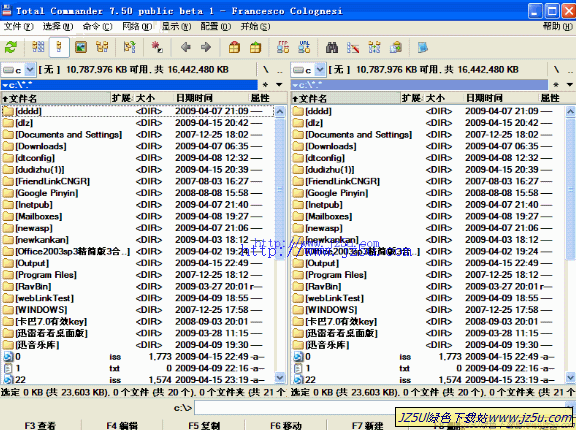
Total Commander(简称TC)V8.0 Beta16汉化绿色版
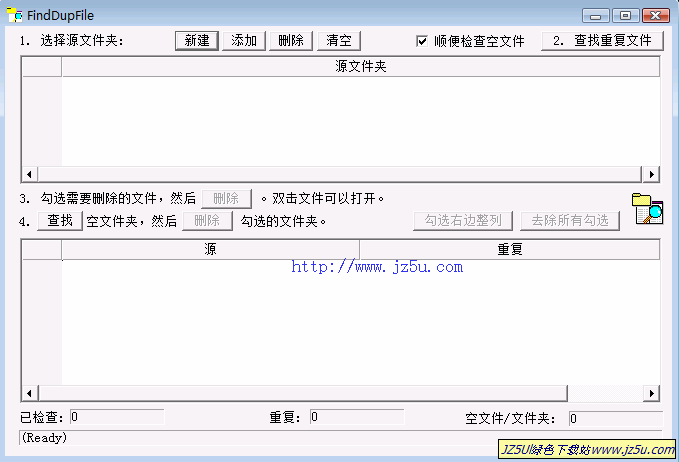
FindDupFile (搜索重复文件) V2.03 绿色汉化版
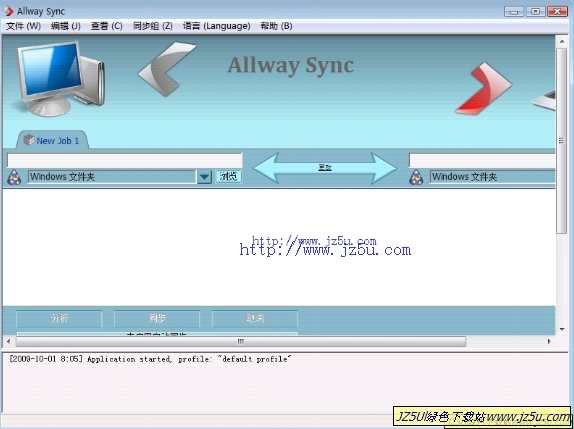
Allway Sync (文件同步软件)18.4.8 多语言特别版
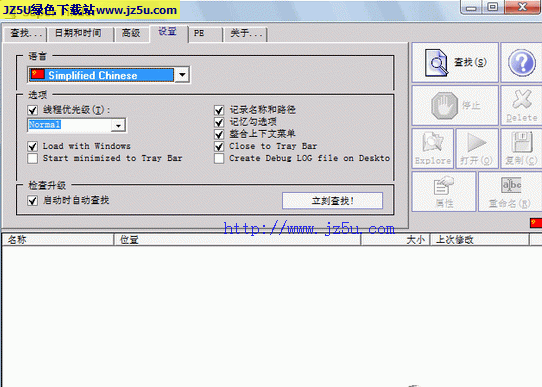
Super Finder 1.6.1.1汉化绿色特别版【强大电脑文件搜索工具】
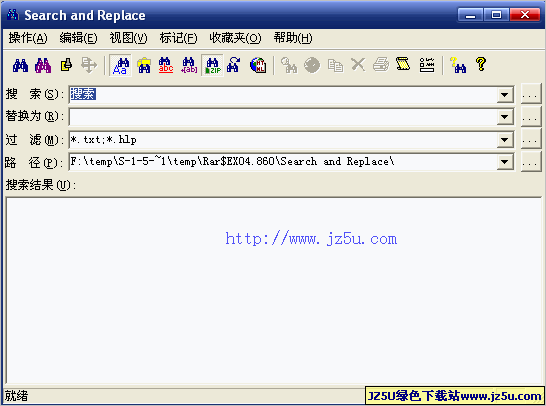
Search and Replace(文件内容查找替换)V6.5 Retail汉化绿色版
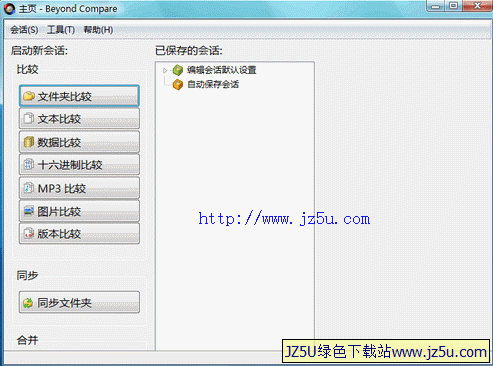
Beyond Compare(文件文件夹比较)v3.1.11汉化绿色特别版

查找重复文件1.9绿色注册版【查找或清除重复文件】
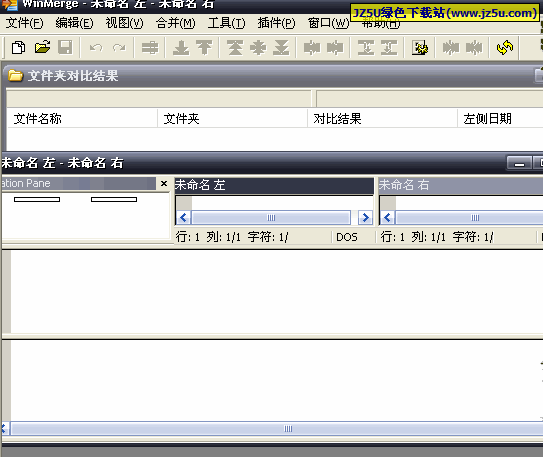
WinMerge 2.13.11.0 Experimental多语言绿色版【比较两个文件不同之处】
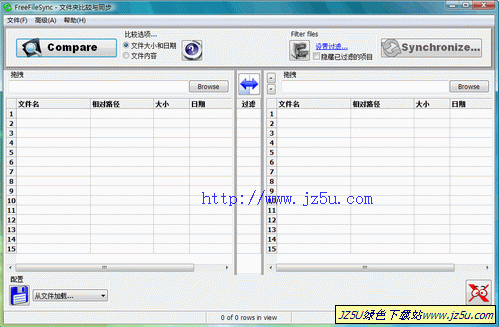
文件夹比较同步工具_FreeFileSync V5.3汉化绿色版
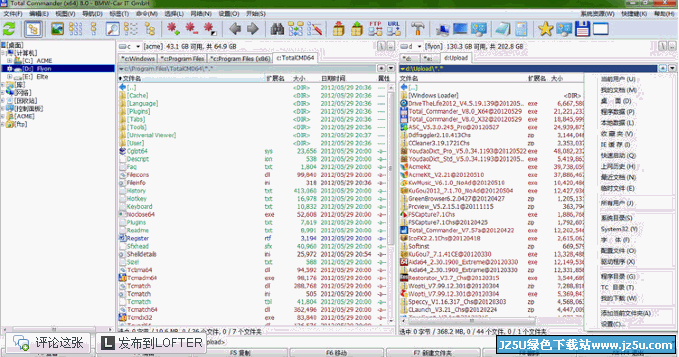
Total Commander (文件管理专家)8.50 飞扬美化增强版

360软件管理 绿色单文件版_管理本机安装的所有软件
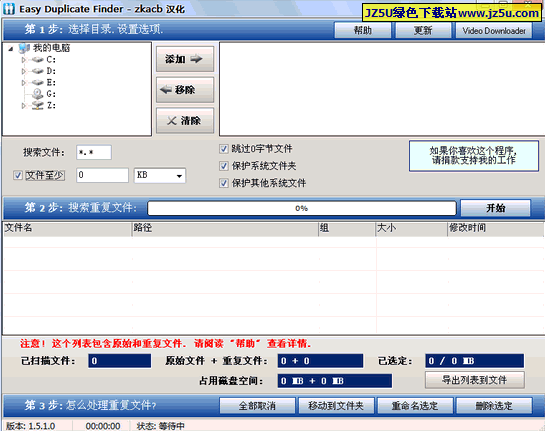
有效清理重复文件_Easy Duplicate Finder v3.0绿色特别版
BulkFileChanger V1.25 汉化绿色版
极智后缀名翻译器2013 v6.9 绿色版
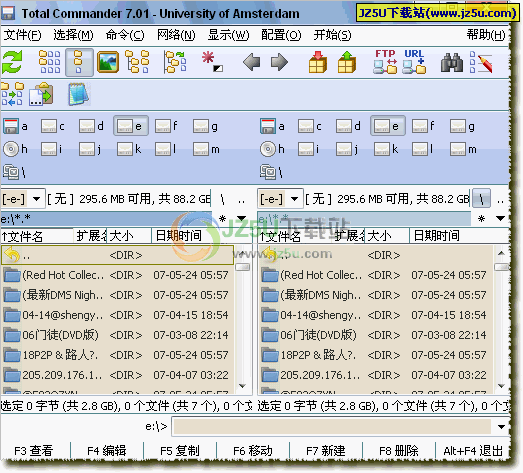
Total Commander(全能磁盘文件管理)v7.50 RC2汉化精简绿色版
Simpo PDF Merge & Split v2.2.3.0绿色特别版